Choose the workspace first
For work on this computer, open Desktop. To use an existing Desktop remotely, enable its Web service. For a separate host you keep running, install Server and prepare the Agent and project on that host. Then follow the same first-task steps below. Remote access does not copy Desktop data.
How to use it
- In Settings → Agents, check the coding Agent you plan to use. Finish its own sign-in if prompted.
- Open Teammates, select one teammate, choose that Agent and a model, then save the run configuration.
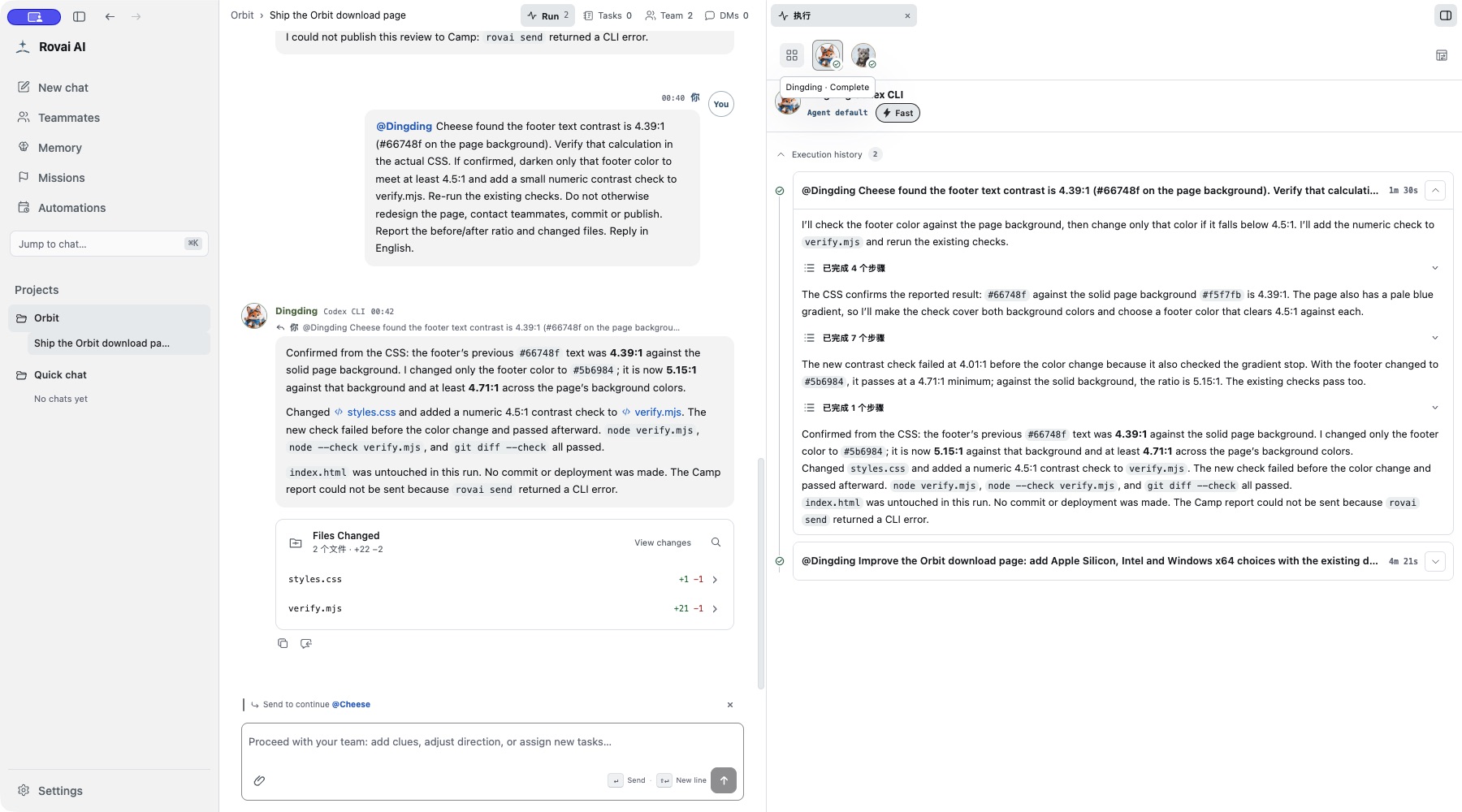
- Create a conversation for the intended project folder. Ask the teammate to read the project and explain its structure.
- Open the execution panel and compare the answer with the project files before assigning an edit.
What to prepare
- Agent
- The coding Agent is installed and signed in on the host. Rovai coordinates it; Rovai does not replace its own account or authentication.
- Teammate
- The selected teammate has a saved Agent configuration and an available status.
- Project
- Choose the actual working directory before asking the Agent to read or edit files.
A request you can check
Start with “Read the project structure and tell me where the download page is implemented. Do not edit yet.” This separates discovery from modification.
After the reply, open the Run panel. Check which teammate received the request, which steps ran, and whether a later edit would touch the project you intended. Then send a second, narrowly scoped change request.
When the first run does not start
- Check Settings → Agents for installation and authentication, then open the teammate’s Agent configuration for model and permissions.
- Do not treat a message in the conversation as proof that a tool ran; look for the run state and its steps.